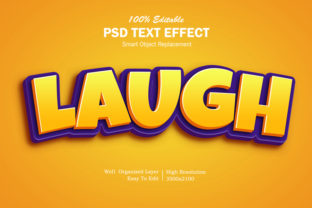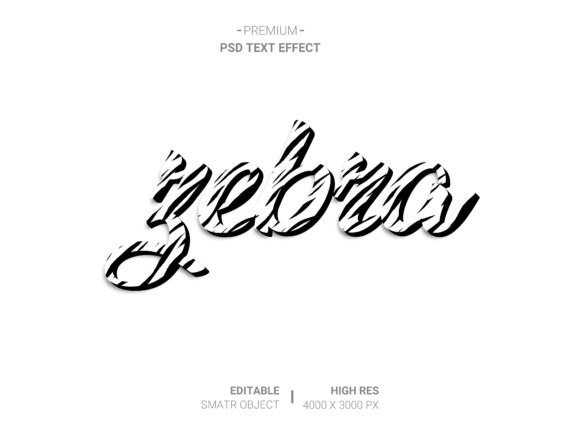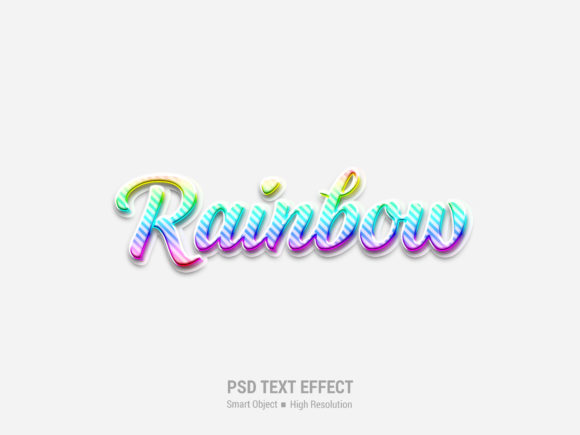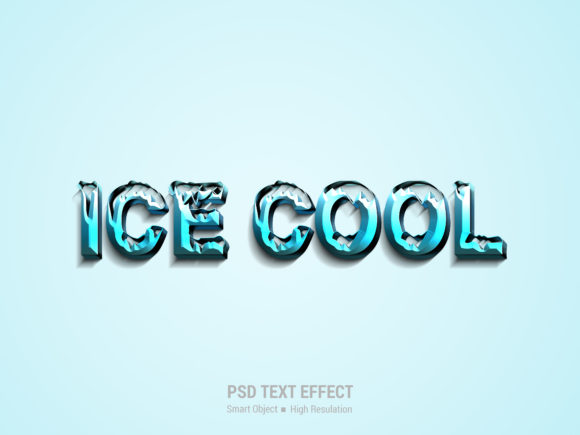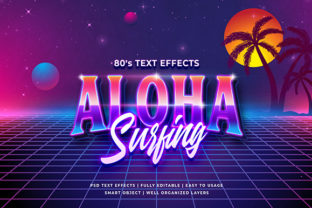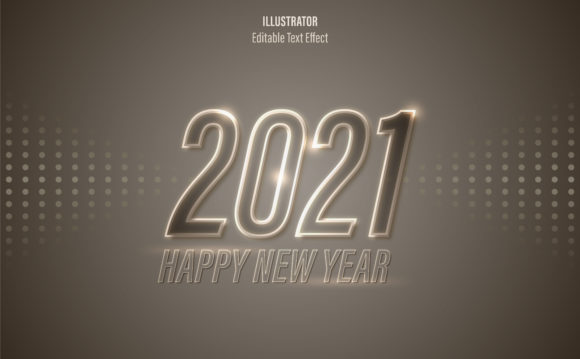
3D Text Effect: Bringing Your Designs to Life with Realistic Depth
In a digital landscape that is constantly saturated with flat, two-dimensional content, capturing attention requires something more. It demands depth, dimension, and a sense of realism that pulls the viewer in. This is where the 3D Text Effect becomes an indispensable tool for designers, marketers, and creative professionals alike. It isn't just about making letters look "fancy"; it is about creating a tangible presence for your brand or message that feels solid enough to touch.
Imagine scrolling through a social media feed and seeing a headline that appears to pop off the screen, casting a realistic shadow on the background. That immediate visual hook is the power of three-dimensional typography. Whether you are crafting a movie poster, designing a product label, or building a high-impact landing page, adding this layer of realism transforms a simple concept into a compelling visual story.
Why Realism Matters in Modern Design
The human brain processes images with depth faster than flat graphics. When we see a 3D object, our eyes instinctively try to gauge its distance and texture. By incorporating a 3D Text Effect, you are tapping into this natural cognitive process. It creates a psychological connection between the viewer and the content, making the message feel more substantial and trustworthy.
This effect is particularly crucial when you need to convey quality. A flat font might say "we exist," but a realistically rendered 3D text says "we are here, and we are premium." The subtle play of light and shadow on the edges of the letters mimics how physical objects interact with their environment. This level of detail separates amateur projects from professional-grade designs without requiring years of mastery in complex software.
Real-World Applications Across Industries
The versatility of 3D typography extends far beyond simple graphic design tasks. Different industries leverage this technique to solve specific communication challenges and enhance user engagement.
Marketing and Advertising Campaigns
For marketing teams, the primary goal is conversion. A 3D Text Effect can turn a standard banner ad into a centerpiece of interest. Think of a limited-time offer for a new sneaker launch. If the price tag or the word "SALE" is rendered in 3D with metallic textures and dynamic lighting, it commands attention immediately. It breaks the monotony of static ads and encourages users to stop scrolling and click through.
Gaming and Entertainment
In the gaming industry, immersion is everything. Title screens, character names, and in-game notifications often rely heavily on dimensional text to match the aesthetic of the game world. Whether it is a futuristic neon sign for a sci-fi RPG or a rugged, stone-carved font for a fantasy adventure, the 3D effect grounds the text within the game's universe. It makes the interface feel like part of the environment rather than an overlay.
E-commerce and Product Packaging
Selling products online presents a unique challenge: customers cannot physically hold the item. High-resolution mockups featuring 3D text effects bridge this gap. Imagine a coffee brand showcasing a new bag. By placing the logo and flavor name in a hyper-realistic 3D style on the packaging mockup, the product looks ready to ship. This visual confidence reduces hesitation and increases the likelihood of a purchase.
Event Promotion and Ticketing
Concert posters, conference banners, and festival flyers thrive on energy. A 3D text effect can simulate movement and impact. For a rock concert, text that looks like it is made of chrome or burning fire adds a visceral element to the promotion. It sets the tone before the attendee even steps onto the venue grounds.
Accessibility Without the Technical Hurdle
One of the biggest misconceptions about achieving photorealistic 3D text is that it requires advanced skills in Photoshop or Cinema 4D. Many creatives avoid these techniques because they believe the learning curve is too steep. However, modern workflows have democratized this technology.
The beauty of using pre-built templates lies in their efficiency. You do not need to manually extrude every letter or calculate light sources from scratch. With the right resources, the process is streamlined into a few intuitive steps. The workflow typically involves double-clicking on a smart object within a PSD file, pasting your own design text, and saving the file. Instantly, the software applies the complex lighting, shadows, and textures to your words.
This approach eliminates the "skill requirement" barrier. Even if you are a small business owner or a freelance marketer with no formal design training, you can produce results that rival those created by seasoned professionals. The heavy lifting is done by the layered structure of the template, which handles the technical complexities while you focus on the creative content.
Navigating Common Considerations
While the benefits are clear, there are practical factors to consider before applying a 3D Text Effect to your project. Understanding these nuances ensures your final output remains polished and professional.
Resolution and Clarity: One of the most critical aspects is ensuring the final image maintains high resolution. Since 3D rendering involves scaling up surfaces to create depth, low-quality source files can result in pixelated edges or blurry textures. Always start with high-resolution assets to ensure the text looks crisp whether viewed on a mobile phone or a large billboard.
Readability vs. Style: There is a fine line between stylish and unreadable. Over-exaggerating the 3D effect with heavy bevels, excessive shadows, or distracting textures can make the text difficult to read. The goal is to enhance the message, not obscure it. In fast-paced environments like social media feeds, clarity is king. Ensure the contrast between the text and the background remains strong.
Contextual Consistency: The style of your 3D text must match the medium. A glossy, plastic-looking font might work perfectly for a toy advertisement but would look out of place on a corporate financial report. Similarly, a rough, textured stone effect fits a historical documentary but clashes with a sleek tech startup. Always evaluate the mood of your project before selecting a 3D preset.
Maximizing Potential with Organized Workflows
To truly benefit from these tools, organization is key. High-quality templates come fully layered and well-organized into folders. This structure allows you to tweak specific elements without breaking the overall composition. For instance, you might want to change the color of the metal finish on the text without altering the lighting setup. Because the layers are separated, you can adjust hue, saturation, or blending modes independently.
This flexibility is invaluable for client work. If a client wants to keep the same font but change the material from gold to brushed steel, you can swap the smart object content and adjust the fill layers instantly. There is no need to rebuild the entire scene. This efficiency saves hours of manual labor and allows for rapid iteration based on feedback.
Furthermore, the non-destructive nature of smart objects means you can experiment freely. You can try different fonts, sizes, and colors, knowing that the original template integrity remains intact. If a particular direction doesn't work, you can revert changes easily. This encourages creativity and experimentation, leading to more innovative outcomes.
Conclusion
The integration of a 3D Text Effect into your design arsenal is less about following a trend and more about embracing a method of communication that resonates with human perception. It adds weight, presence, and a touch of magic to your visual narratives. Whether you are promoting a local event, launching a global product, or simply trying to make your blog headers stand out, the ability to create realistic depth is a superpower.
You do not need to be a master of 3D modeling to wield this power. With the right tools—specifically those designed with ease of use and high resolution in mind—you can achieve stunning results in minutes. By focusing on the end goal rather than the technical grind, you free yourself to concentrate on what truly matters: telling your story in the most engaging way possible.